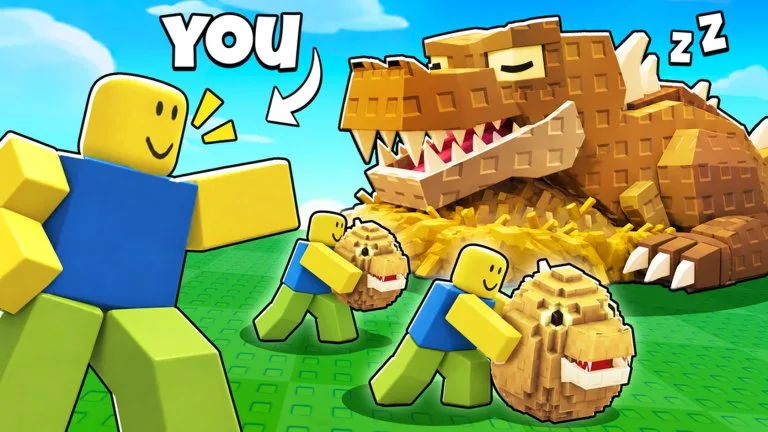
What is Manage Clones?
Manage Clones is the button at the top of the screen. It shows the target name, recommended speed, and any steal counter. It also sells portal speed, clone count, and steals per clone, and it holds the auto-sell toggle. Zone choice on this panel is not an upgrade.
Published facts
| Fact | Value |
|---|---|
| Name | Manage Clones |
How do you get Manage Clones?
Open the Manage Clones button after the portal is unlocked.
How do you use Manage Clones?
Read it before every new target. A failed trip is often the wrong assignment or a short speed number.